
GPUs for AI startups, without a capacity commitment
A startup's GPU need swings between an evaluation this afternoon and a training run that eats a weekend. Meshive prices for that swing — pay for the hour, not a reserved fleet you have to justify to a board.


No annual commitment standing between you and a run
Reserved instances make sense once you know your shape. Most startups do not — Meshive bills by the hour so a pivot in the roadmap does not strand a contract.
The same account scales from a demo to a fundraise
Run your first fine-tune on a single RTX 5090, then move the same workflow to an RTX PRO 6000 or A100 when the model and the traffic grow. Nothing about the setup changes.
Evaluate the model, then serve it, on the same platform
Fine-tune on a pod, then hand the checkpoint to a vLLM or Serverless endpoint without exporting it anywhere. One account, one bill.
The technical side of this work
AI startups & labs runs on Meshive's Fine-tuning setup — templates, model packs and the exact workflow.
Fine-tune without booking a clusterCards that suit this work
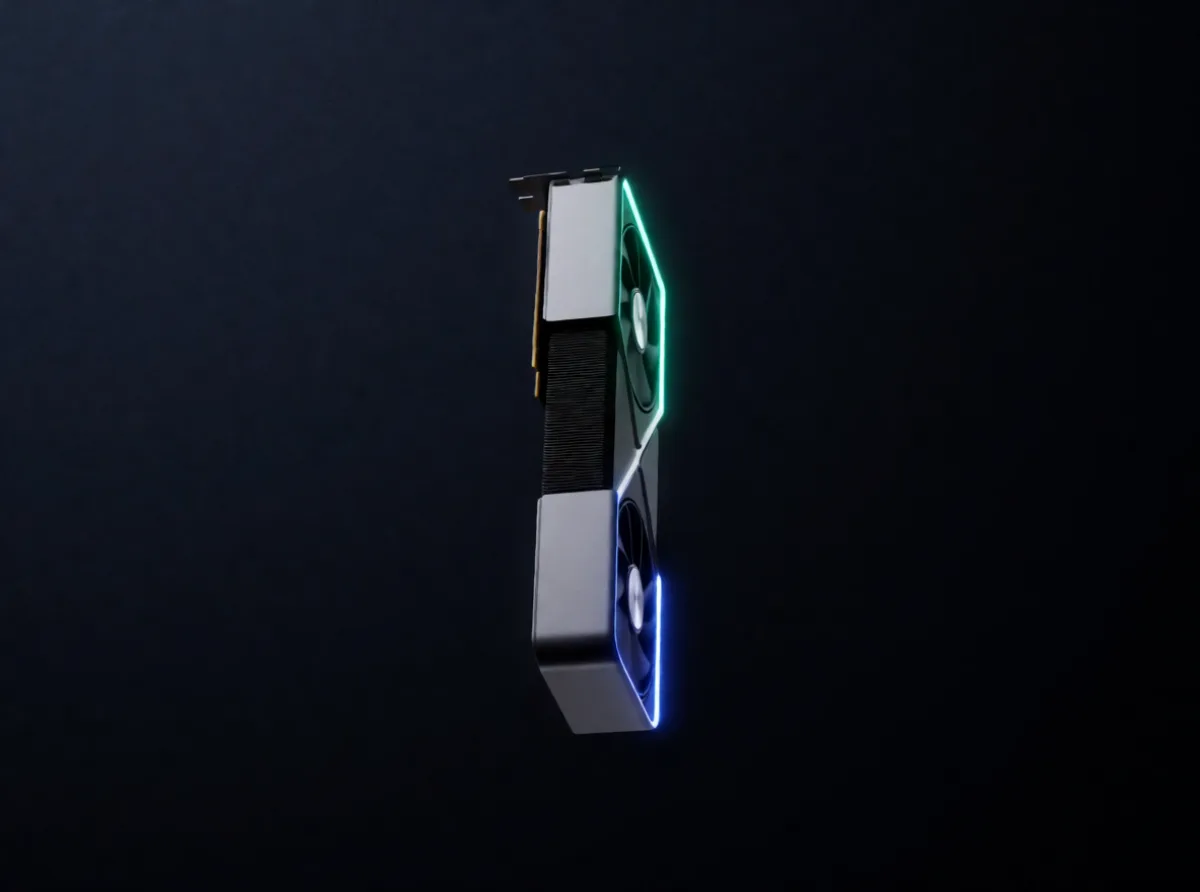
Every pod gets a whole, non-virtualized GPU. These are the cards a small team grows through, roughly in that order.
- RTX PRO 6000 BlackwellA frontier-size run without a frontier-size contract
- A100 PCIe 80GBA training run that eats the weekend unattended
- RTX PRO 5000 BlackwellThe step up when the demo becomes a product
- RTX 5090Cheap enough to be wrong on the first experiment
Three steps
- 1Start a pod on the card that fits your model size — no procurement form.
- 2Fine-tune or evaluate with your own trainer; the CUDA stack is already there.
- 3Move the same checkpoint to a Serverless endpoint when you are ready to ship.
Other teams on Meshive



Pick a card and start the pod
Sign up, choose the GPU, and the pod is yours in under two minutes. It bills by the hour and stops when you stop it.
Already a user? Invite friends and earn 15% of their first top-up.