
A render farm you can switch off
Deadline weeks need more cards than the rest of the year does. Bring your own image or scene, render the frames, and stop paying the moment the last one writes out.


Blender with OptiX, already built
The image carries Blender and the CUDA/OptiX runtime. Nothing to compile before the first frame.
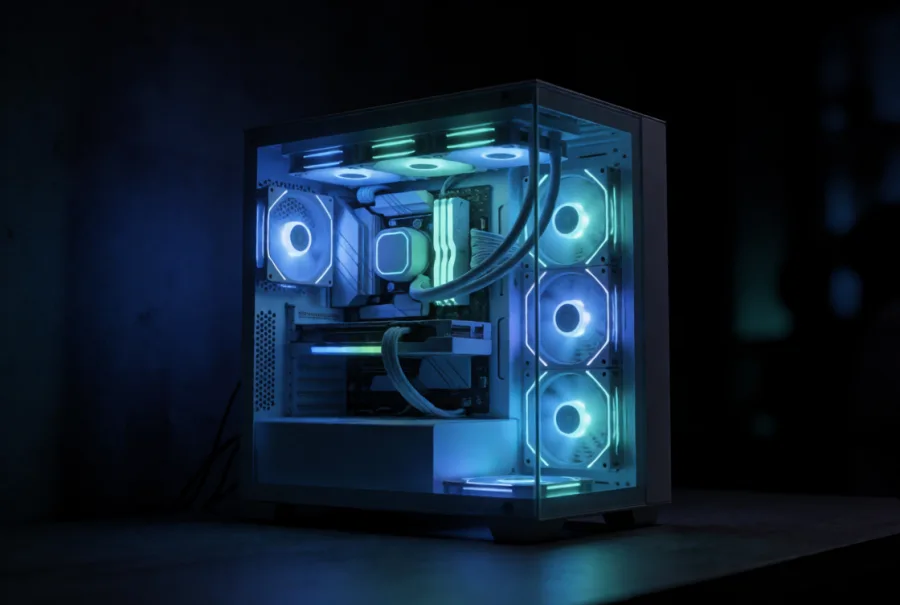
Whole cards render predictably
A shared GPU makes frame times a guess. The card is yours for the life of the pod, so a sequence costs what the test frame said it would.

A farm you switch off
Ten pods for a sequence this week and none the next. Per-hour billing carries no reservation between them.
Templates for this work
Official images with the drivers and the stack already in place.
- blender
- Linux Desktop
- Ubuntu
Cards that suit this work
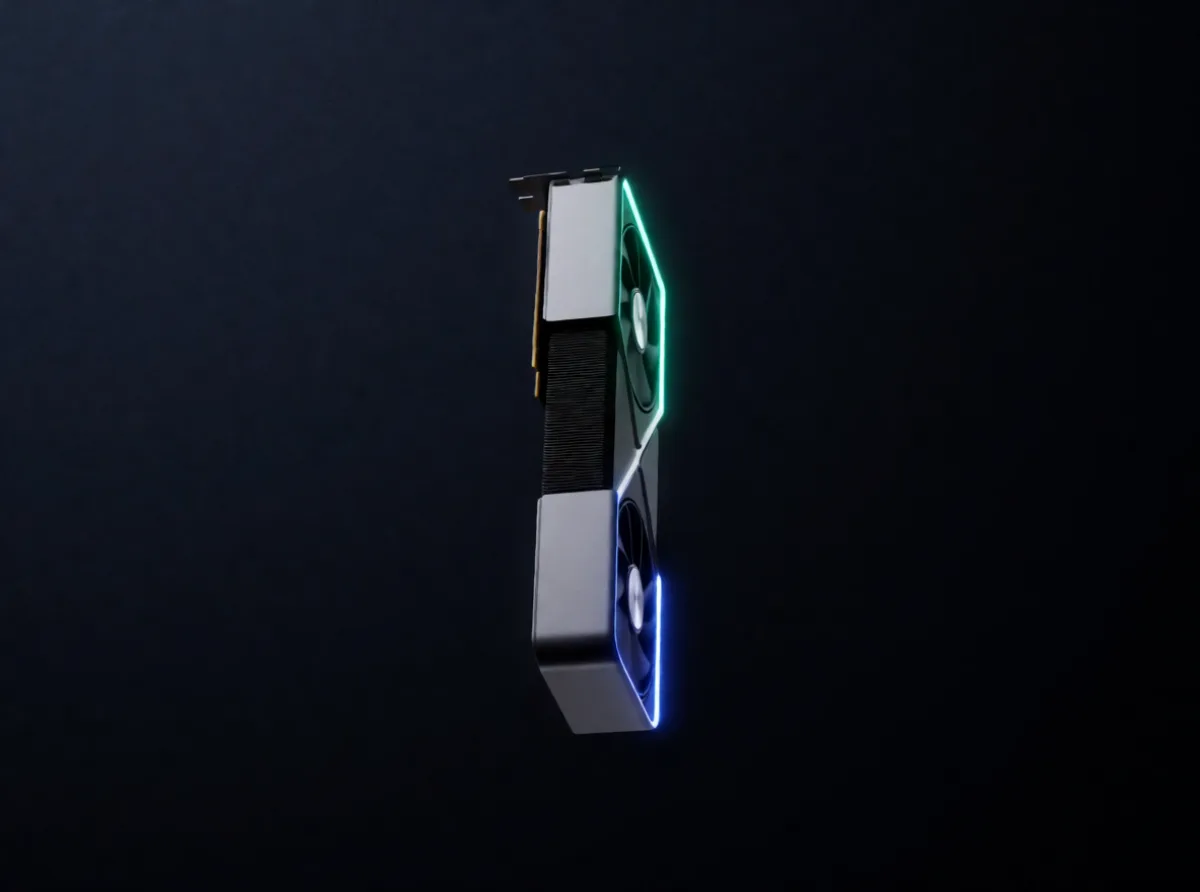
Every Meshive pod gets a whole, non-virtualized GPU. These are the ones we would reach for first.
- RTX 4090Best frames per dollar for Cycles
- RTX PRO 5000 BlackwellMost production scenes at 48GB
- RTX 6000 Ada48GB with the workstation driver stack
- RTX PRO 6000 BlackwellHeavy scenes and 8K frames at 96GB
Three steps
- 1Start the Blender template, or bring your own image if the pipeline needs it.
- 2Attach a volume for the .blend file, assets and output frames.
- 3Render headless over SSH, or use the Linux Desktop template when you need the UI.
Also on Meshive



Pick a card and start the pod
Sign up, choose the GPU, and the pod is yours in under two minutes. It bills by the hour and stops when you stop it.
Already a user? Invite friends and earn 15% of their first top-up.