
ComfyUI, running in two minutes
Generative image and video work is spiky — a week of nothing, then a night of batches. Meshive is priced for that shape: start the pod for the batch, stop it when the queue drains.


Fourteen model packs, not one ComfyUI
FLUX.1, SDXL, Qwen-Image, Z-Image, Krea 2, Wan 2.1 and 2.2, LTX-Video and MiniMax H3, each as its own pack.

The weights attach at launch
Pick a pack and the model set downloads to managed storage when the pod starts. Nothing is baked into the image and nothing is fetched twice.
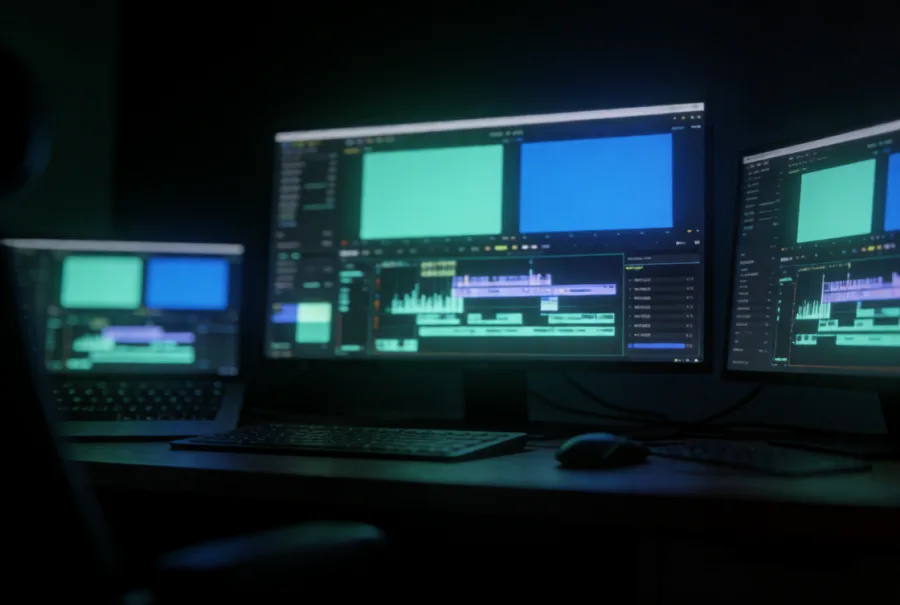
Edit the graph, or just call it
Run the pod when you need to change the workflow. The same models sit on Serverless for when you only need the output.
Templates for this work
Official images with the drivers and the stack already in place.
- ComfyUI - FLUX.1-dev
- ComfyUI - Wan 2.2 I2V
- ComfyUI - Qwen-Image
- ComfyUI - Z-Image Turbo
- ComfyUI - SDXL
- ComfyUI - LTX-Video
Rendered on a single RTX 5090
 Krea 2
 Krea 2
 Krea 2
- MiniMax H3
Cards that suit this work
Every Meshive pod gets a whole, non-virtualized GPU. These are the ones we would reach for first.
- RTX 5090SDXL, FLUX.1 and Wan 2.2 fit in 32GB
- RTX 4090The workhorse for most ComfyUI graphs
- RTX PRO 5000 BlackwellThe larger FLUX.1 and Wan checkpoints at 48GB
- RTX PRO 6000 BlackwellLonger video and batch runs at 96GB
Three steps
- 1Pick the pack for the model you want - the weights attach when the pod starts.
- 2Open ComfyUI in the browser and load the workflow that ships with it.
- 3Render. Outputs land on the volume and survive the pod.
Also on Meshive


Pick a card and start the pod
Sign up, choose the GPU, and the pod is yours in under two minutes. It bills by the hour and stops when you stop it.
Already a user? Invite friends and earn 15% of their first top-up.